During my time as the Webmaster for Radio K, the website was rebuilt and redesigned. I was responsible for managing content, layouts, and page designs on both websites during the transition. As part of this process, I led a volunteer group in a quality assurance study to test the new website's performance and stability.
Webmaster
Study Lead
UX/UI Designer
Design - HTML/CSS
Content Management - Drupal CMS
Website Stack - Linux, Apache 2, MySQL, and PHP
2 Weeks
Guided Study Execution
Interface Testing and Evaluation
Data Collection and Synthesis
As the main manager and developer for both versions of the website, it was crucial to maintain sync between them during the transition. This meant updating both sites simultaneously as new content was produced and needed posting. Once the new website reached a certain level of stability, I was able to open up my previously individual task of troubleshooting to a group of student volunteers. I was able to assign specific to each of the volunteers, to allow for a broad scope of different browsers to test the website in.
iOS - Safari, Firefox, and Chrome
Android - Chrome and Firefox
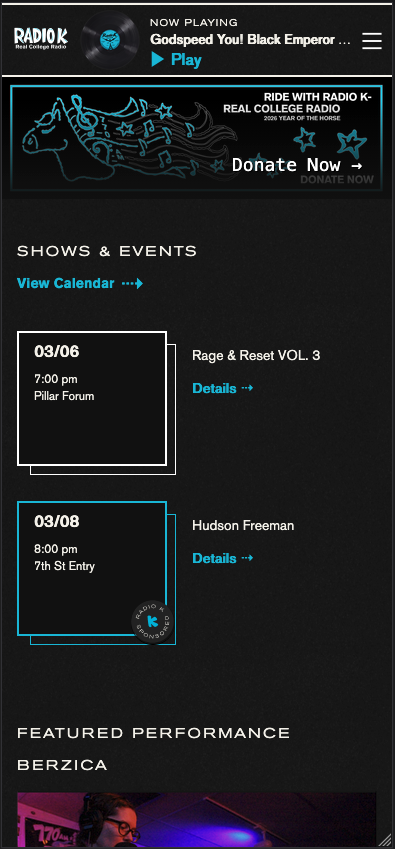
iOS - Safari, Firefox, and Chrome
Android - Chrome and Firefox
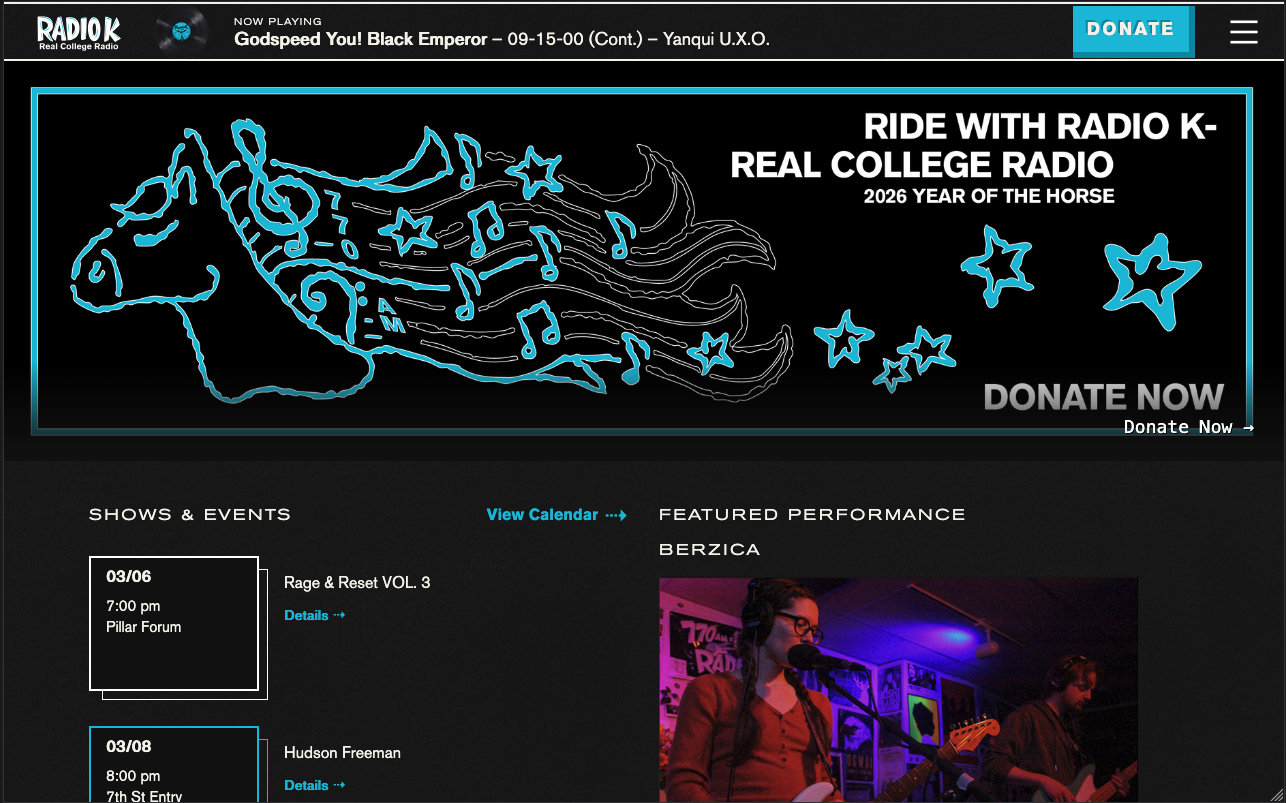
MacOS - Safari, Firefox, and Chrome
Windows - Firefox and Chrome
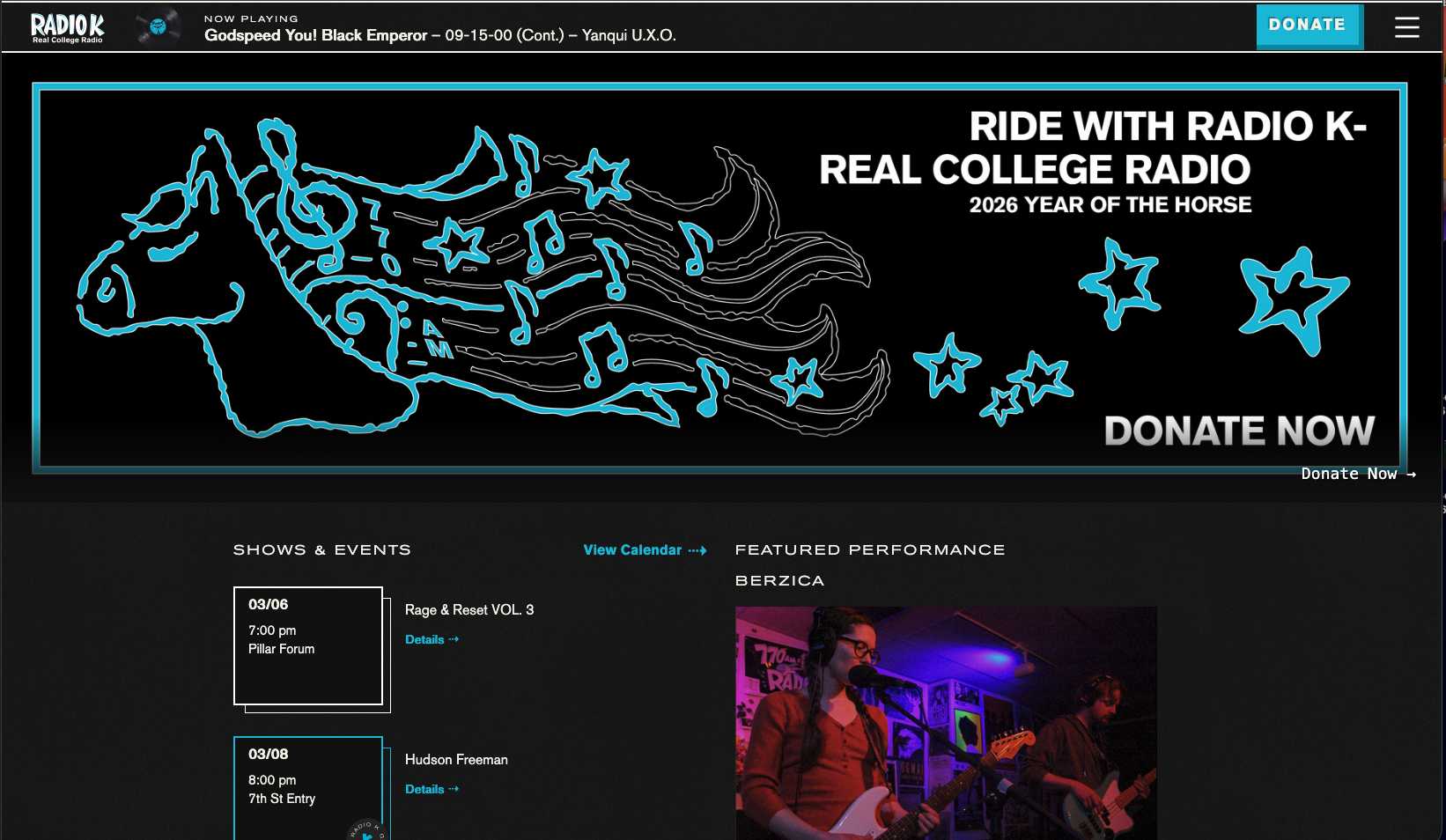
Volunteers were assigned a device category, operating system, and set of browsers to repeat the study directions in. They collected their results into three categories: errors, visual issues, and miscellaneous observations. The study directions were focused on a specifc set of pages, testing interactions with the page elements and observing how they behave under different browser configurations and changes.
I focused the study on a specific set of pages and subpages that had sufficient content. The volunteers were asked to navigate, interact with, resize, and generally abuse each site page. Listed here are some of the categories and associted tasks that were given in the study directions:
For each page, be sure to interact with media and modules, playing videos, clicking links, etc
Make notes of visuals, text, graphics and whether they look right.
Rotate your screen from portrait to landscape and back to see how the site responds to a change in browser size.
Move through pages from highest in the page hierarchy to lowest.
Other such extracurricular attempts to break the site encouraged.
Evaluate these subpages and their performance:
- Shows and Events
- Features
- Vanguard
- Hitlist
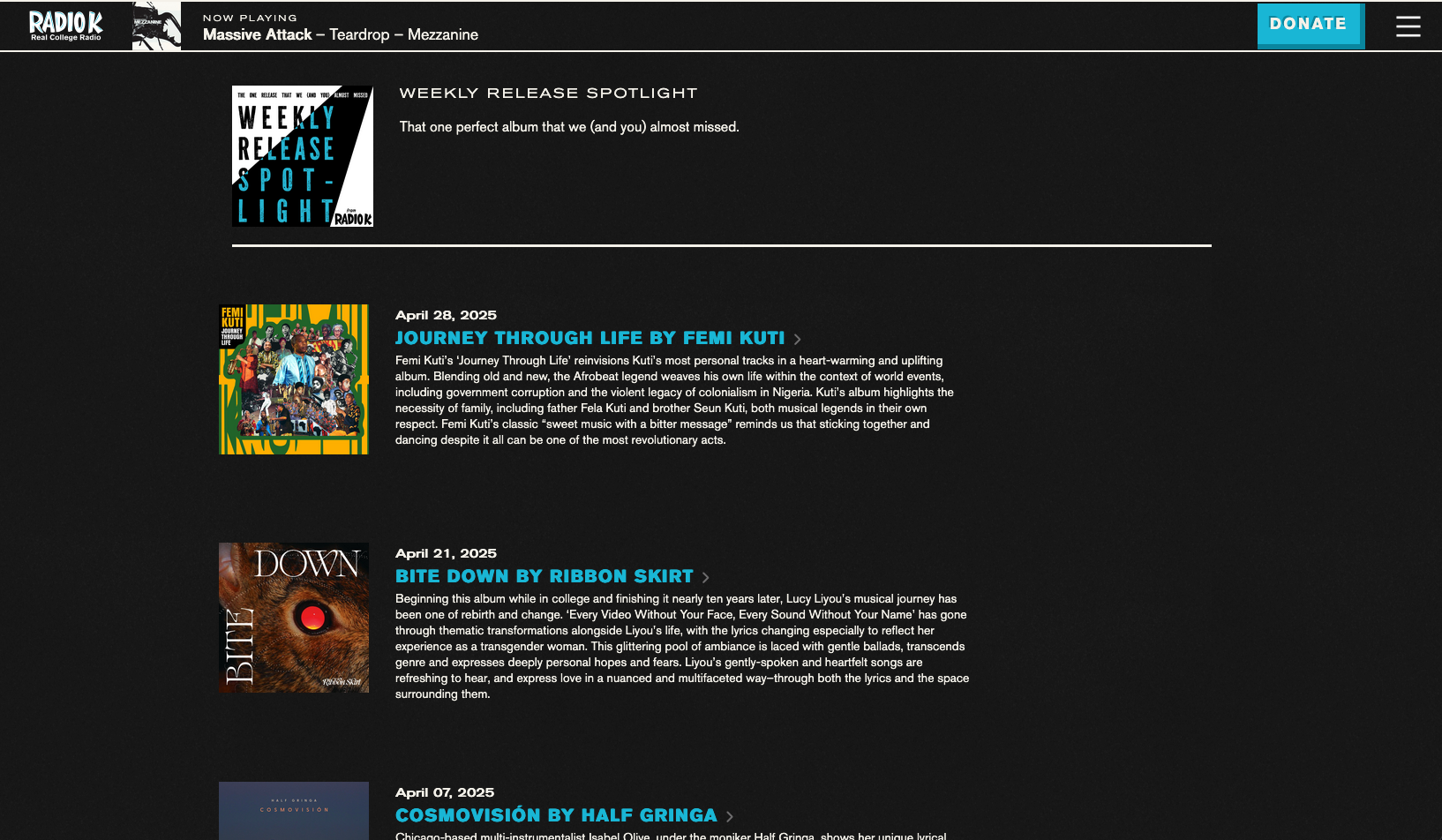
- Weekly Release Spotlight
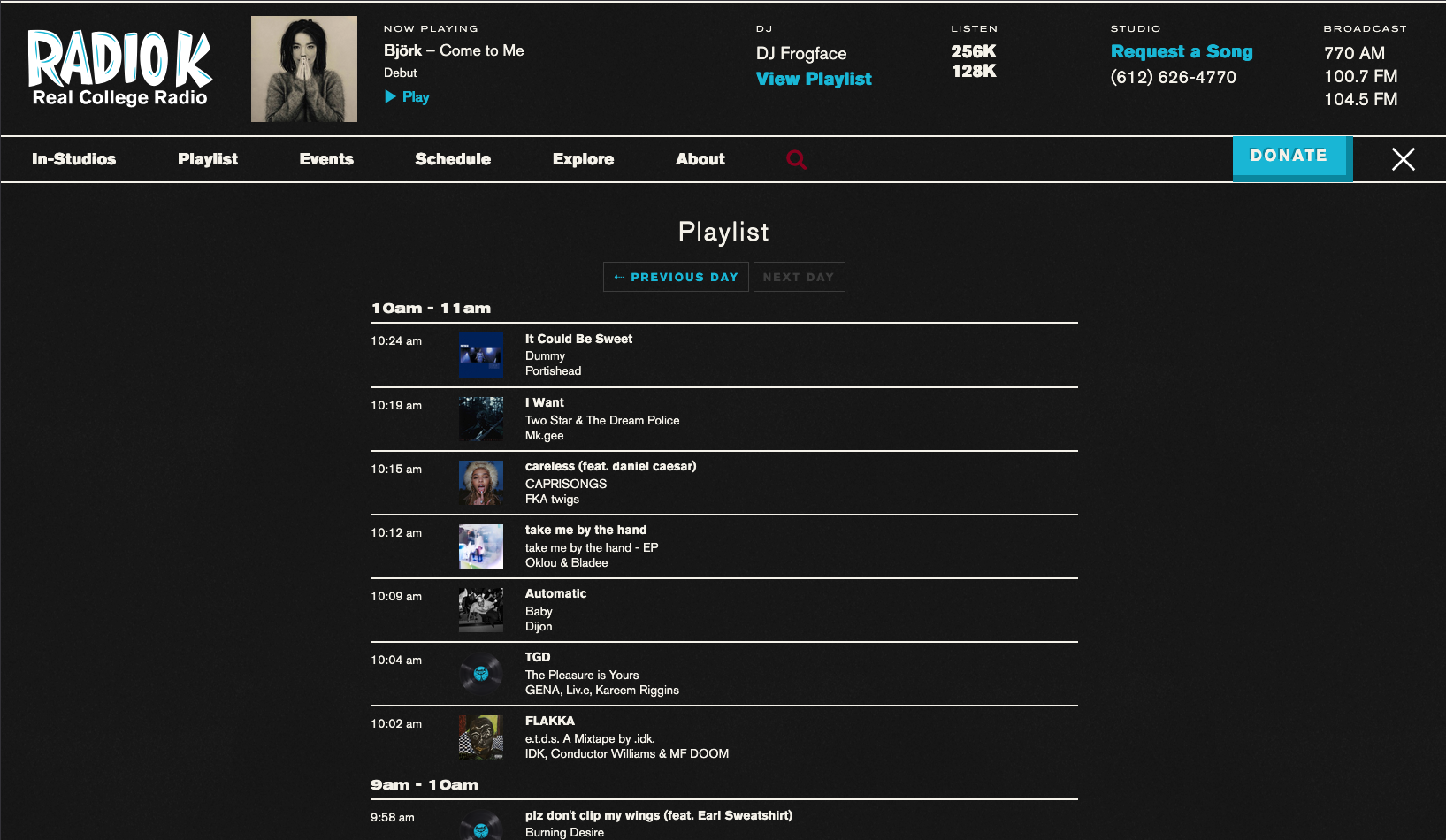
Is the playlist updating currently?
Is the playlist updating correctly?
Are these behaviors consistent over the last few weeks? Check some older pages of the list.
Check each sorting filter - are they working and displaying correctly?
Check for missing links, and that linked elements display as such.
Are any icons missing? Are the proper images displaying on each icon?
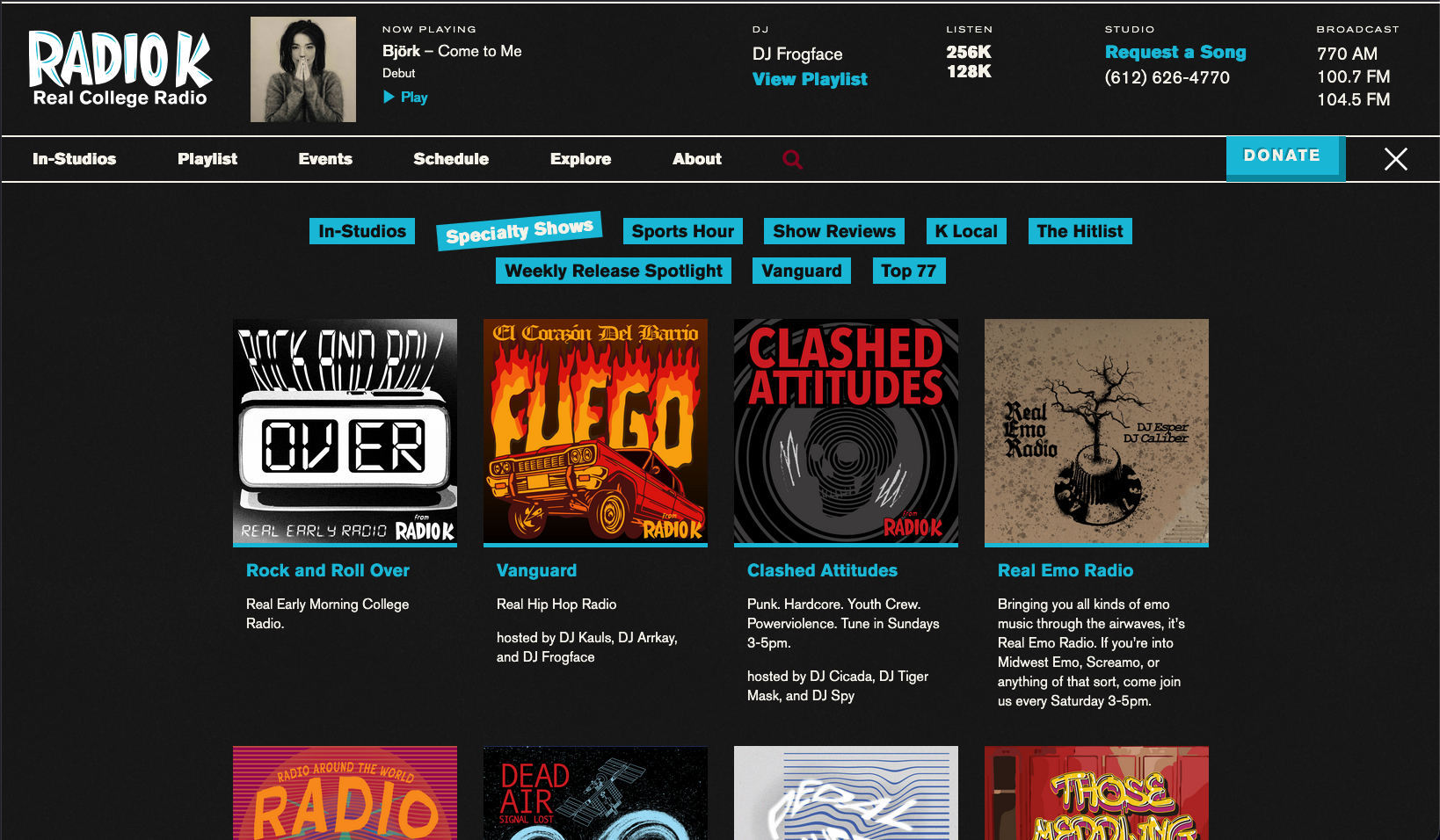
Check for missing links or pictures on these subpages:
- Specialty Shows
- K Sessions
- K Local
- Hitlist
- Weekly Release Spotlight
While doing so they were instructed to look for site errors and bugs, visual elements and resizing issues, and general performance. They collected their data into a template which they submitted back to me, and I aggregated the data and notes into a primary spreadsheet. Once I had collected and combined all the volunteer responses, I led a workshop on data synthesis and study result interpretation. During this workshop, student volunteers learned about data collection and sorting, response categorization, and assigning levels of severity. Once all this had been done I had a list of issues to fix, content to update, page layouts to change, and visual elements to adjust.
At the end of the study I had a list of tasks sorted into category and assignment, subsorted into topic and severity. During the synthesis workshop volunteers were able to expand on their notes and offer suggestions, observations, and critiques of the website content and design. Shown here are some of the sorted responses from the volunteers, separated into category:
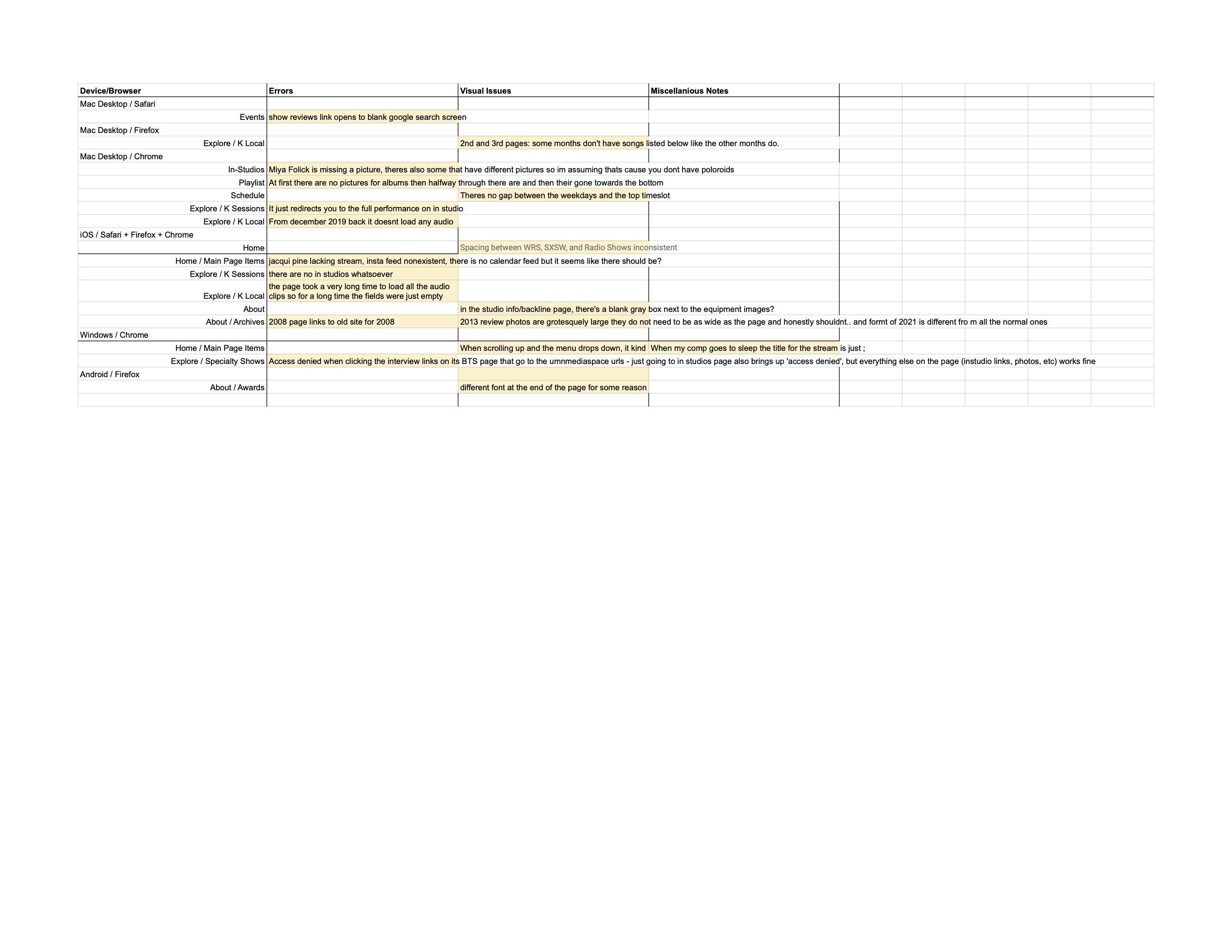
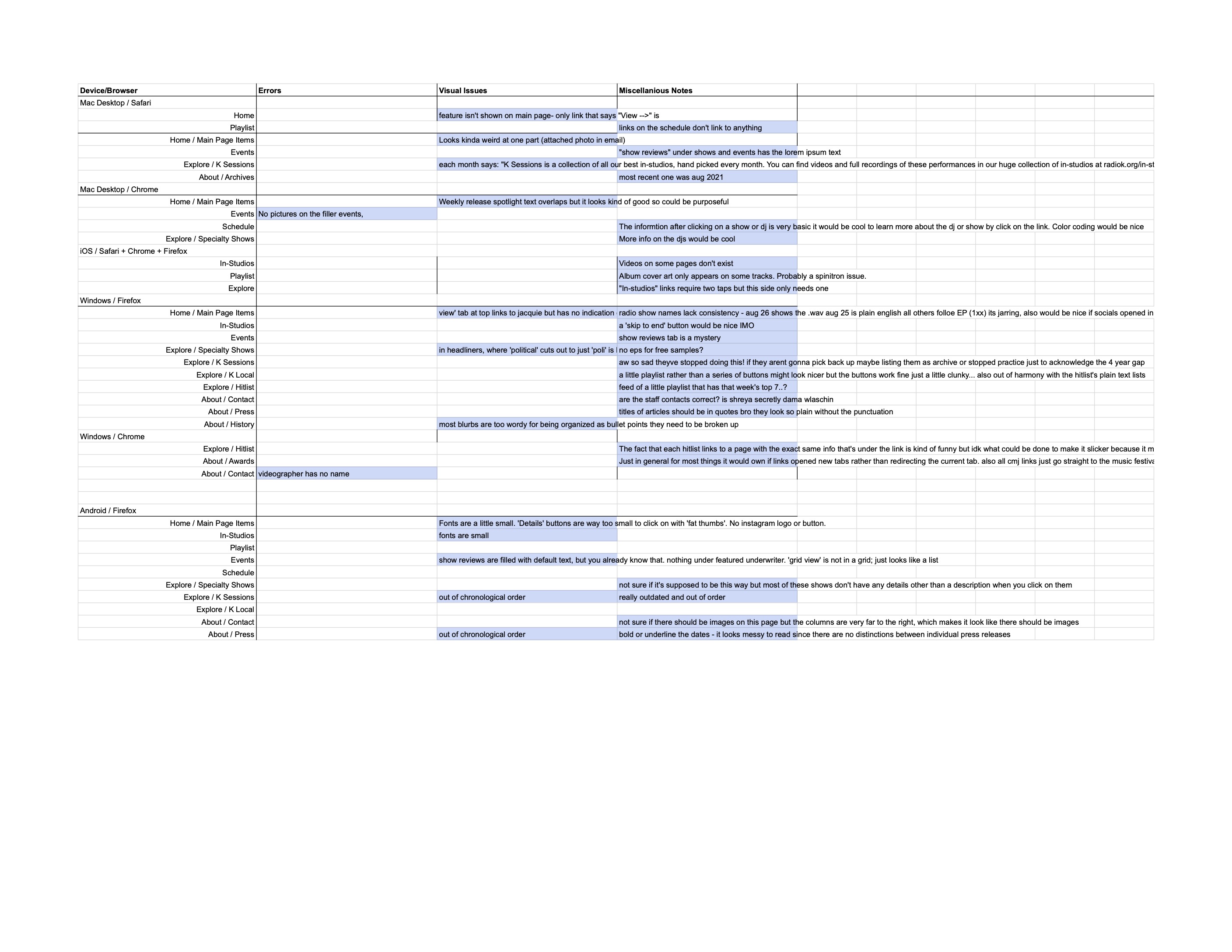
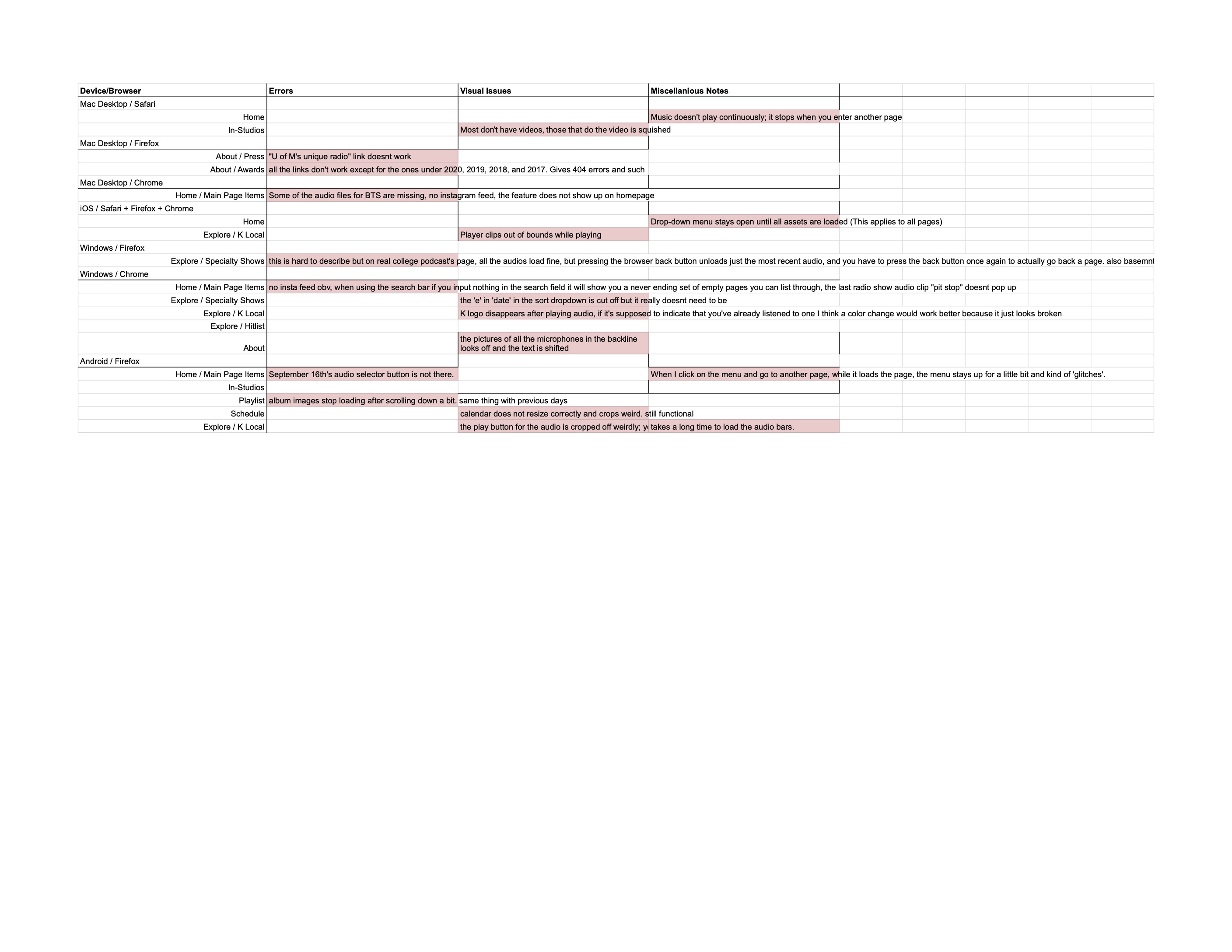
Volunteers used a template for their responses in order to maintain study integrity across testers, and to help keep them on course during their testing tasks.
As the chief bug fixer for the website, having this data meant I could get started on implementing the updates to ensure quality. I corrected content errors, rewrote pages, edited code, and updated layouts to address the things that the volunteers were able to find.
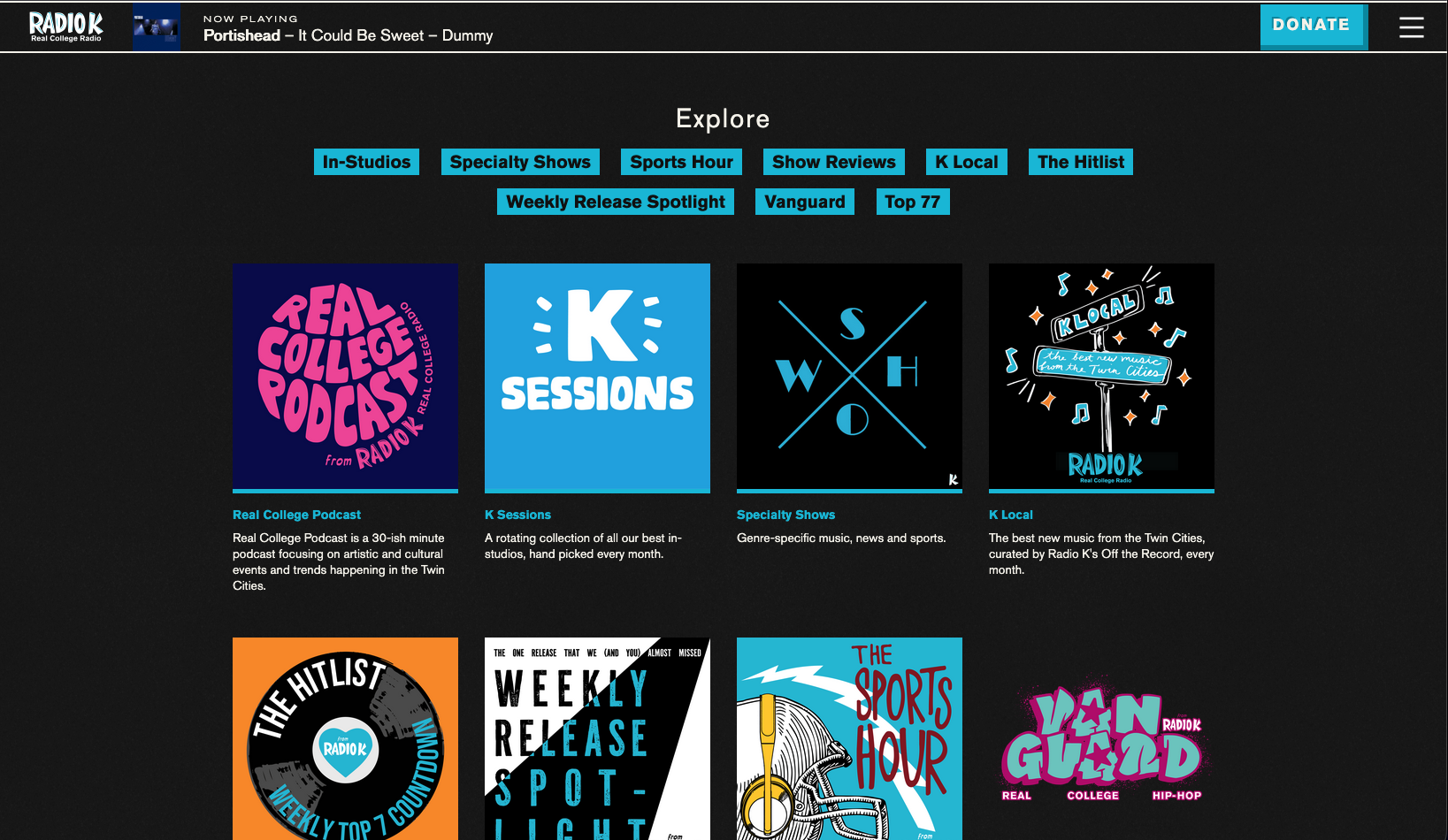
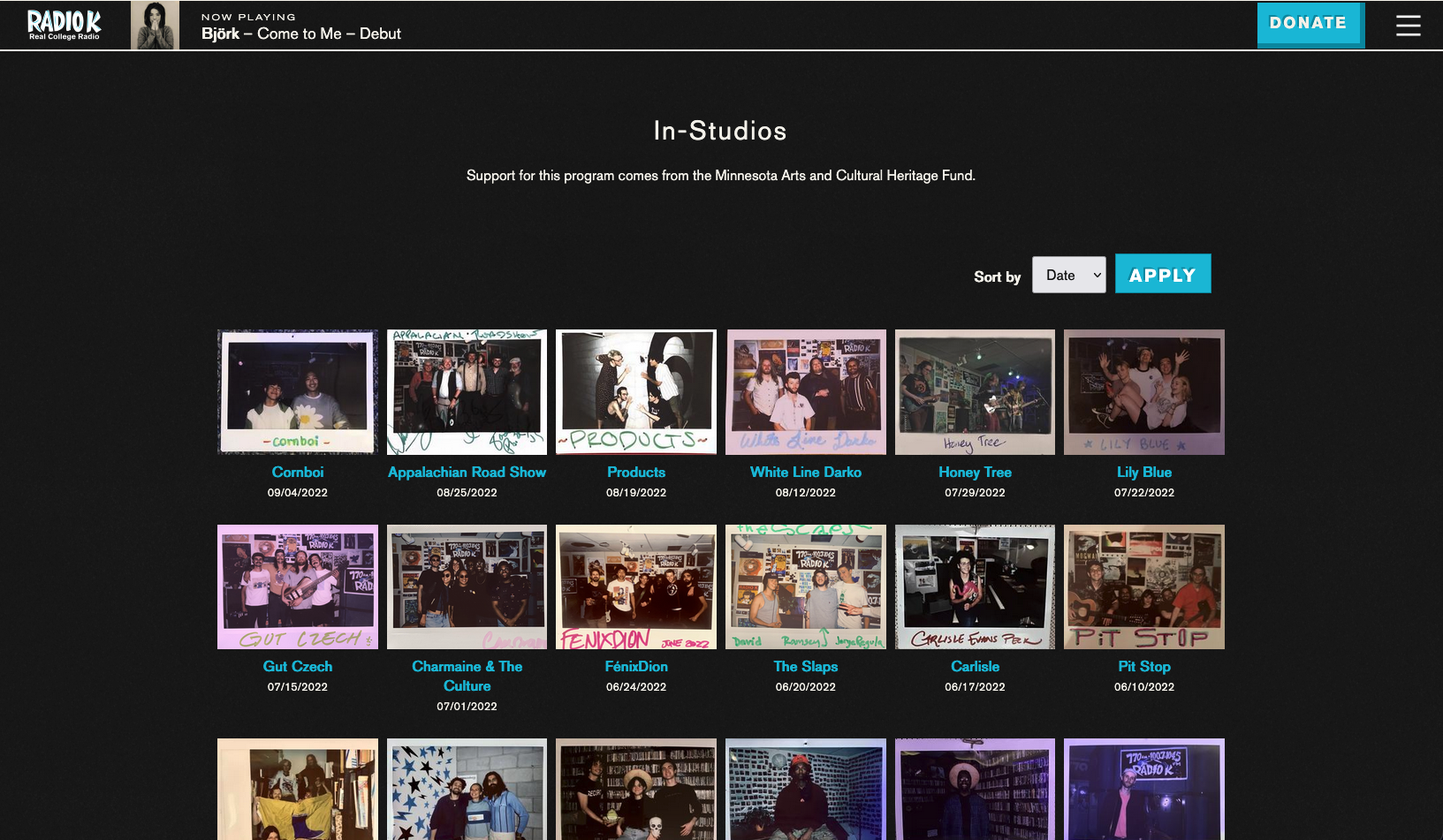
This process ensured website quality, tested performance under different browser conditions, and allowed for community feedback on layouts. In the end, we were able to complete some necessary backend architecture and launch the new website after these final touches were implemented.